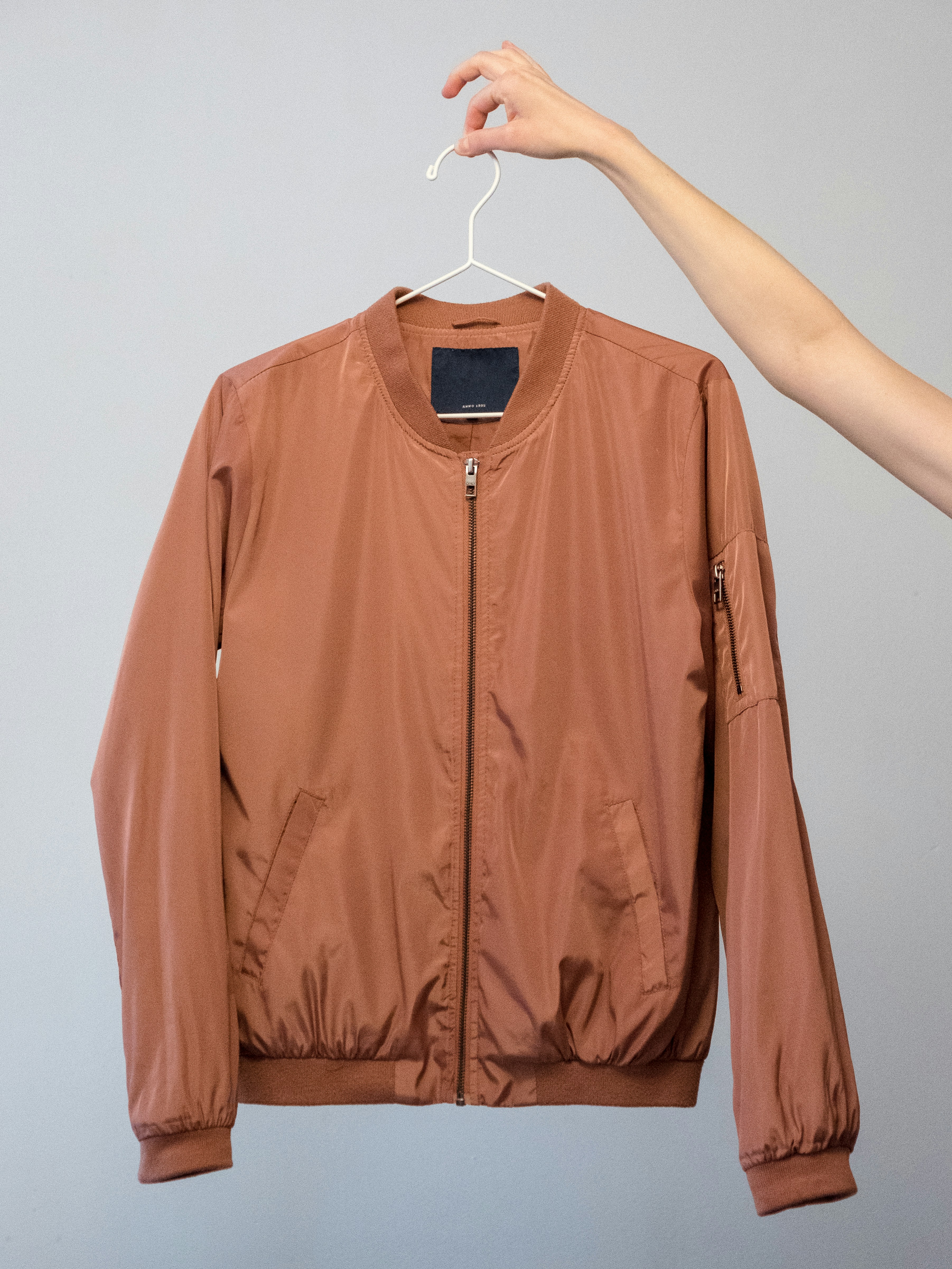
Brown Jacket
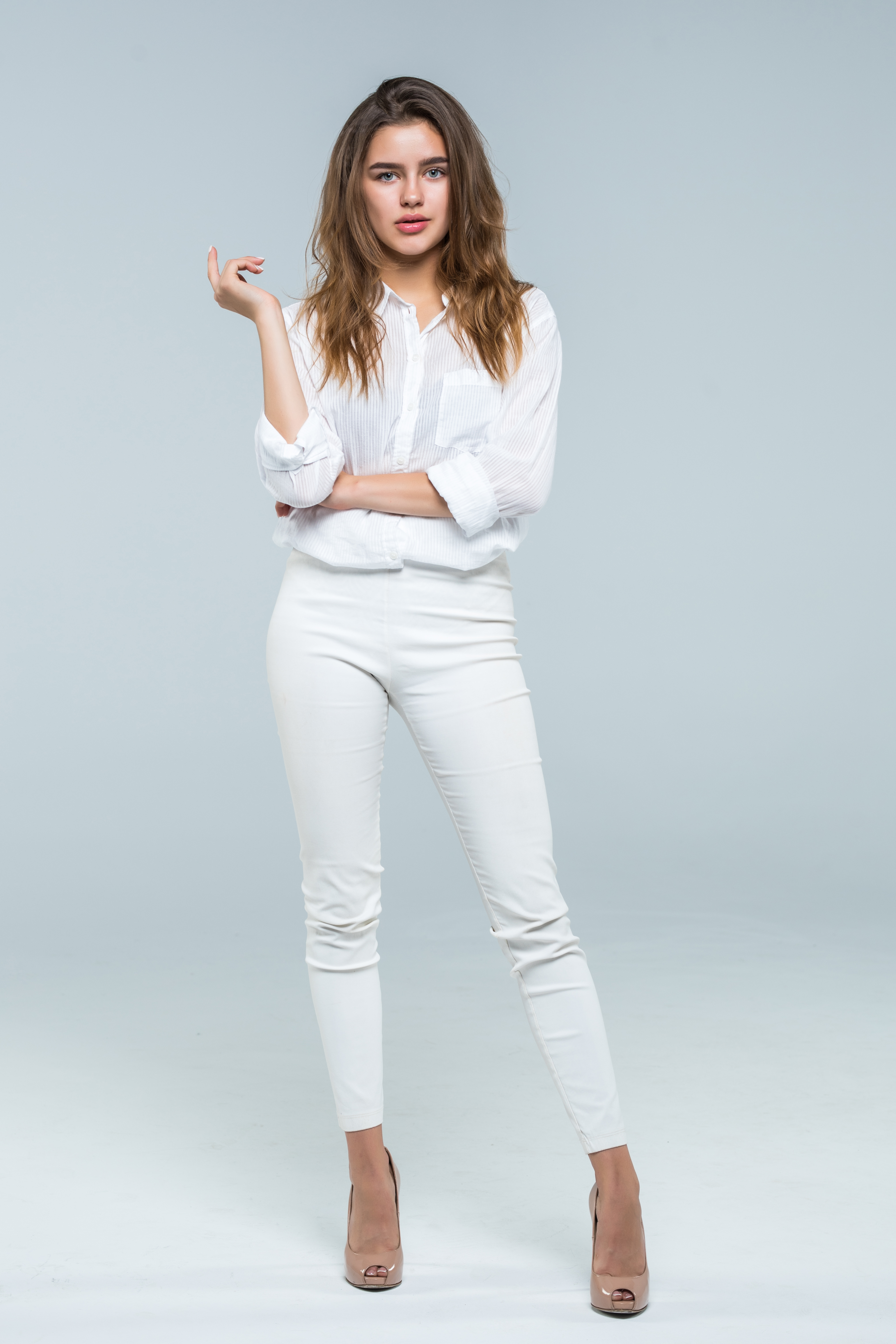
Live PreviewYour Photo
Outfit
Result
AI Generated
Your Photo
Outfit
Result
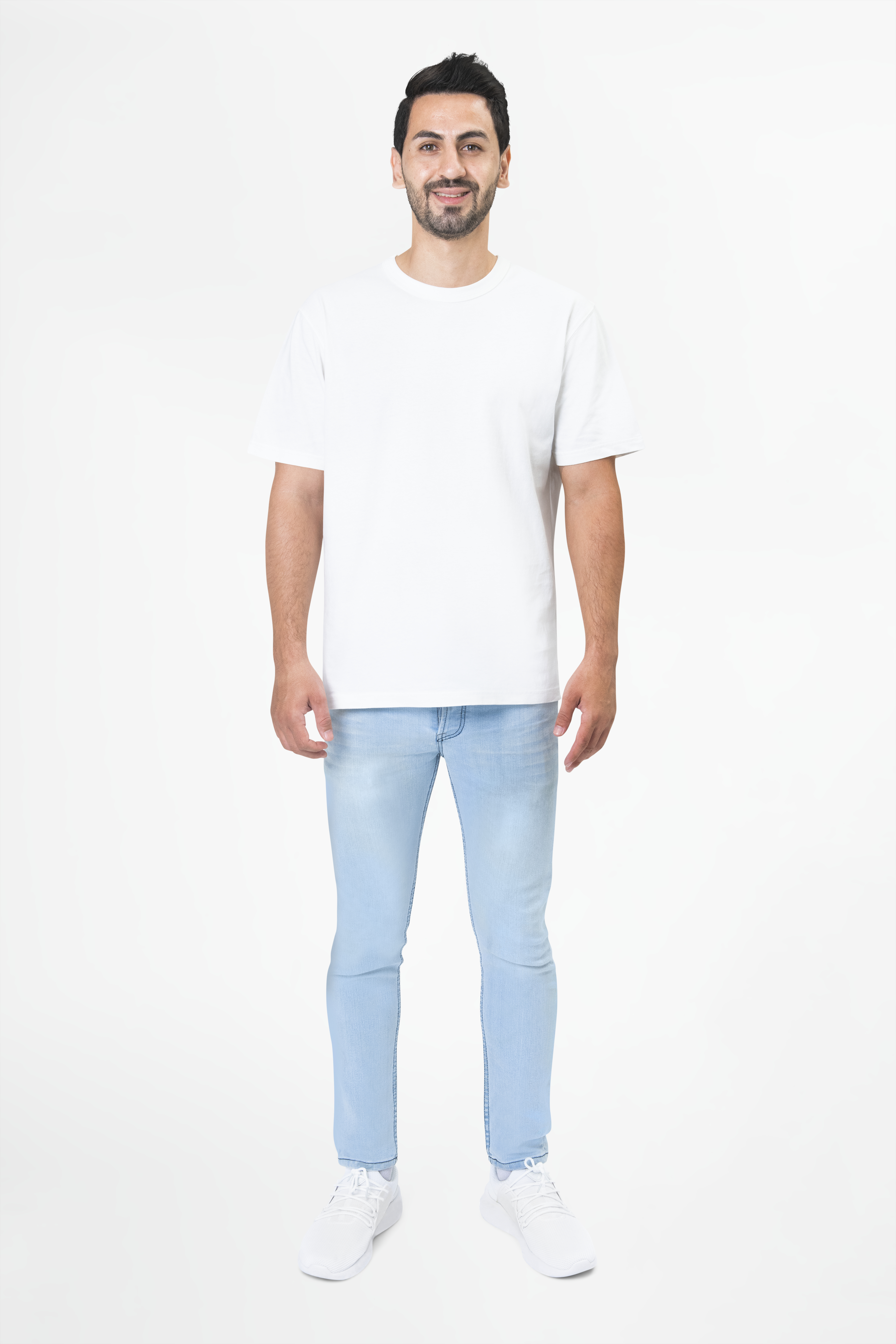
Real examples of virtual try-on transformations
Your Photo
Outfit
Result
AI GeneratedYour Photo
Outfit
Result
AI Generated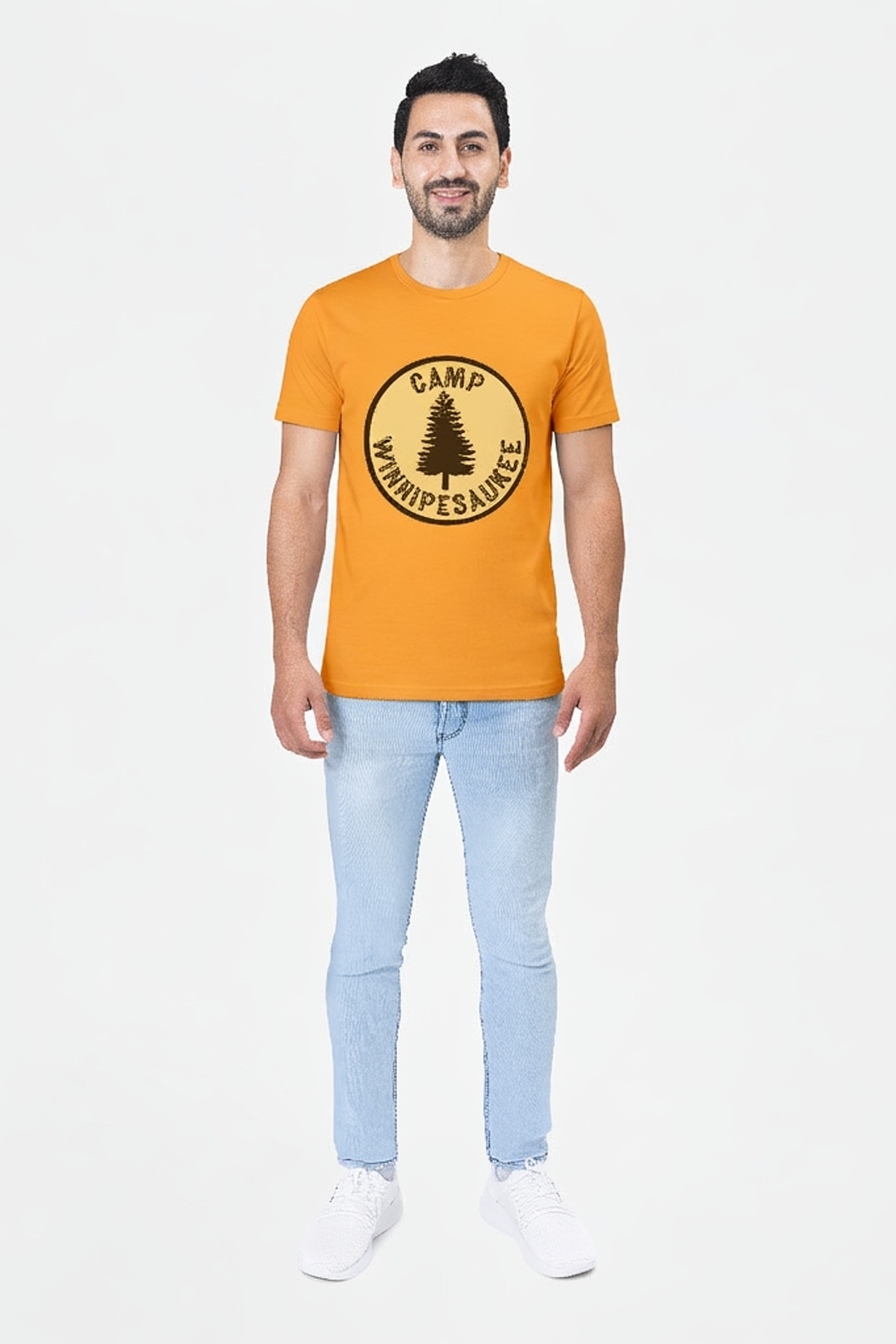
Upload a full body photo of yourself in good lighting.
Click to upload or drag and drop
PNG, JPG or JPEG (max. 10MB)
Upload Your Photo
Upload a photo of the outfit you want to try on, or paste a product URL and we'll extract the outfit image for you.
Click to upload or drag and drop
PNG, JPG or JPEG (max. 10MB)
Or Paste Outfit URL
Paste a product page or direct image link. We'll extract the outfit image automatically.
Upload Outfit
Please upload your photo and choose an outfit image or outfit URL to continue.
The process is simple: upload your photo, provide the outfit, and let the model build the final preview. The animated flow mirrors the exact path a request takes before the result page opens.
Step 1
Face and posture aligned
Start with a clear photo of yourself so the try-on engine has the right pose, framing, and lighting to work from.
Step 2
Outfit source prepared
Upload an outfit image or paste a product URL. We extract the garment details and prepare it for the try-on process.
Step 3
Preview rendered
Submit the request and the AI composes the final preview, then opens the dedicated result page with your generated image.